Opening a 1xBet account starts with choosing your country, account currency and an available registration method.
This guide covers the sign-up process, entering the NEWBONUS promo code and the steps between creating an account and making a first deposit.
On the sports welcome offer, NEWBONUS provides a 100% match up to $130, compared with a maximum of $100 without the code. Other currencies and casino offers have separate terms.
1xBet Registration
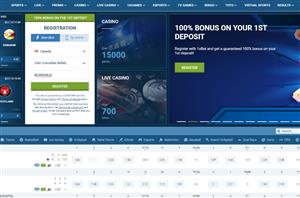
The registration form offers the sign-up methods available for your market. The information requested depends on the method selected.
Open the registration form. Use the version of 1xBet authorised and available for your location.
Choose your country and account currency. Enter your actual country of residence and select the currency you intend to use.
Select an available registration method. Supply the contact information and account details requested by the form.
Enter NEWBONUS in the promo code field before submitting your registration.
Read the account terms and selected bonus conditions, then submit the form.
Complete any contact confirmation or account information requested after registration. Save your account ID and login details securely.
Registration creates the account; it does not necessarily complete identity verification. Further information or documents may be required before withdrawals are processed.
1xBet Welcome Bonus
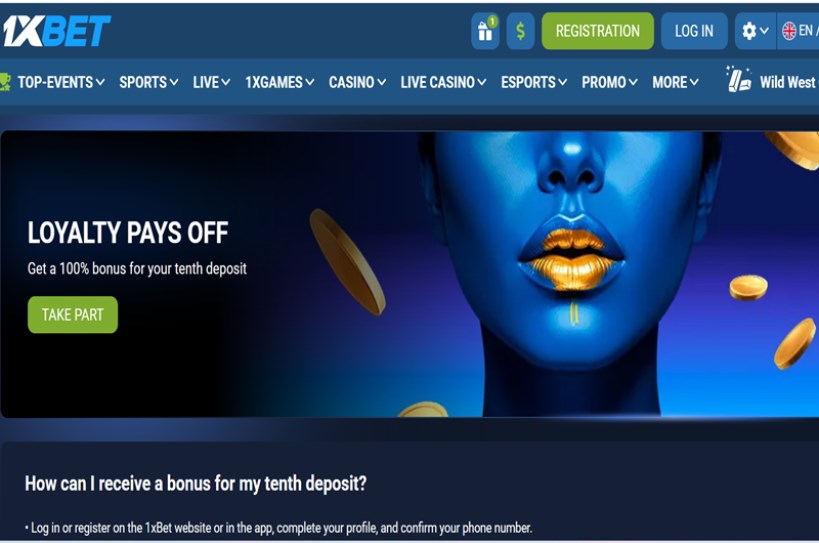
NEWBONUS increases the maximum sports first deposit bonus from $100 to $130. The match rate remains 100%.
Qualifying first deposit
Bonus with NEWBONUS
Bonus without the code
$100
$100
$100
$130
$130
$100
Before depositing, establish which welcome offer is selected and whether it requires activation. The offer terms determine the minimum qualifying deposit, eligible payment methods, wagering requirements and deadlines.
The bonus is promotional credit, with conditions governing its use and withdrawal. Our 1xBet bonus guide explains the calculation in more detail.
1xBet Login
To access your account, select the login option on the website or app and enter the credentials associated with your registration method. Complete any additional authentication requested.
If you cannot log in, use the account recovery option or contact support. Avoid creating another account to resolve a login problem, as duplicate accounts can breach account terms.
Making Your First Deposit
Once registered, open the account cashier to see the payment methods and limits available for your country and currency.
For a bonus qualifying deposit, the selected payment method and amount must meet the offer’s conditions. The cashier’s minimum transaction amount may differ from the minimum deposit required for a promotion.
Keep the transaction confirmation until the deposit appears in your balance. If a payment remains pending, establish its status before submitting it again.
Accessing Your Account on Mobile
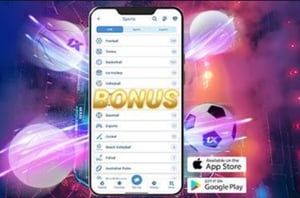
You can use the mobile website or an available 1xBet app to access your account. Use the login details for your existing account rather than registering again.
App availability and installation instructions depend on your device and market. Follow the download instructions provided on the relevant official website or authorised app listing.
Using an app does not itself increase the welcome bonus. The selected offer and its eligibility conditions still apply.
Registration Problems
Promo code field missing: Look through the registration form before submitting it. If the selected method does not show a code field, resolve this with support before completing registration.
Confirmation message missing: Check the contact details entered, including the phone country code or email spelling. For email registration, check the spam folder before requesting another message.
Country unavailable: Do not select a different country to complete registration. Availability depends on your actual location and eligibility.
Bonus missing after depositing: Confirm that NEWBONUS was entered during registration, the intended offer was selected and the deposit met its conditions. Give support the transaction reference if the issue remains unresolved.